


3D printing has opened up endless possibilities for customized production and quick prototyping, but a successful project often starts with finding the right STL files. Whether you’re a hobbyist printing with sustainable materials or a professional working on intricate designs, access to high-quality 3D models is key. This guide introduces the top 10 platforms for discovering free STL files, each offering a variety of models to help you turn ideas into tangible creations.
With options ranging from fully free repositories to platforms with premium or order-to-print features, these sites provide access to an extensive selection of 3D models. Explore our list to find your next project inspiration and begin printing with confidence!
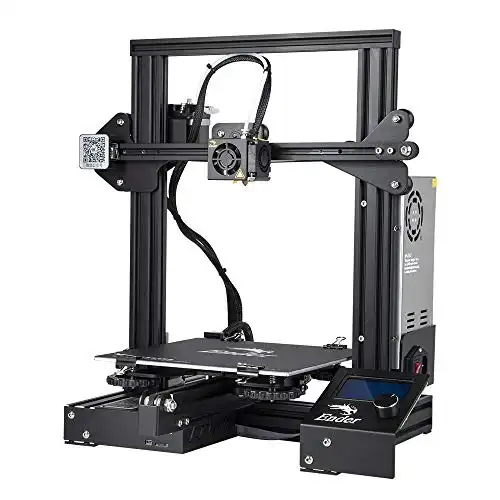
- Resume Printing Function
- Easy and Qucik Assembly
- Advanced Extruder Technology
- Safety Protected Power Supply

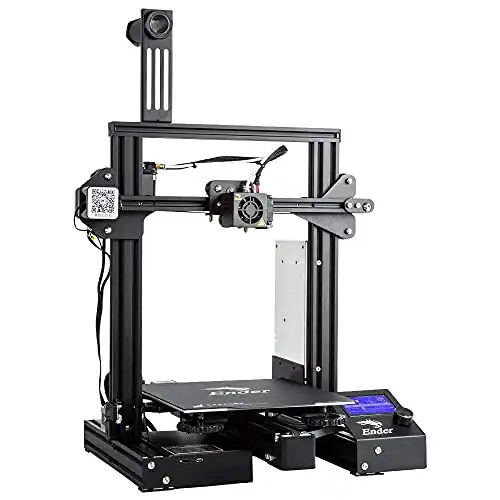
- Removeable Build Surface Plate
- Safe Power Supply
- Resume Print Function
- Semi-Assembled Kit

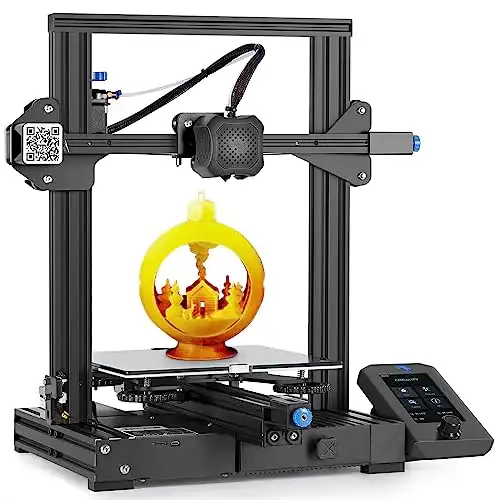
- Removeable Build Surface Plate
- Safe Power Supply
- Resume Print Function
- Semi-Assembled Kit

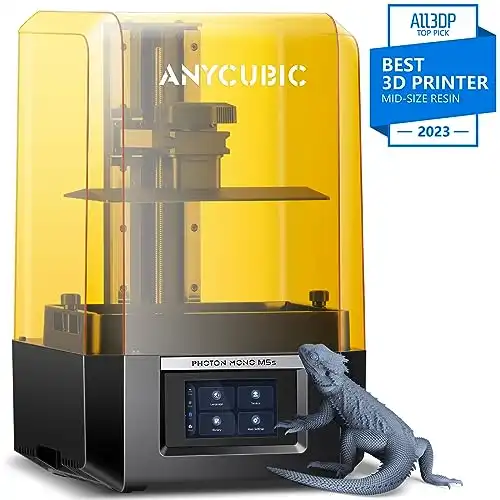
- 12K Exquisite Details
- Leveling-Free
- 3X Faster Printing
- Upgraded Slicer Software
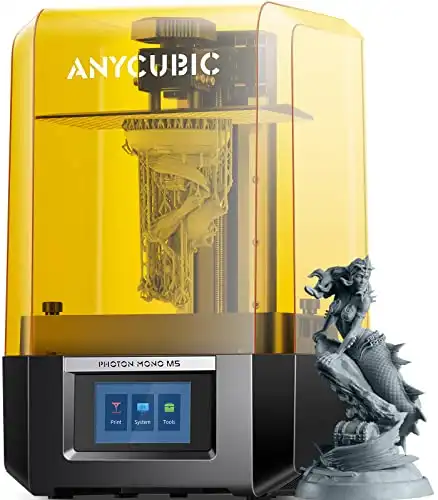
- 10.1’’ 12K High Resolution
- Anycubic APP for Online Slicing
- Stable print structure
- Laser-Engraving Process for the Printing

- Free Shipping on Orders Over $40
- Order Processed Within 24 Hours
- 30-Day Money-Back Guarantee
- 1-Year Warranty
- Exclusive Deals
1. Thingiverse
Website: Thingiverse
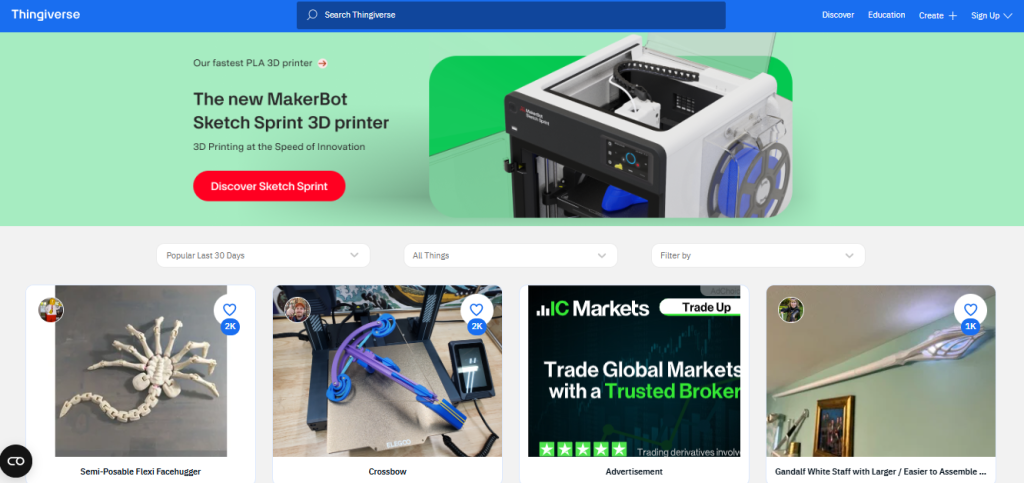
Thingiverse is a household name in the 3D printing community. Managed by MakerBot, this platform is widely known for its extensive collection of free 3D models contributed by a passionate community. With millions of files, Thingiverse offers models in every category imaginable, from practical items like phone holders and desk organizers to intricate art pieces and educational tools.
Key Features:
- Vast Model Library: Millions of STL files spanning diverse categories like gadgets, tools, and artistic pieces.
- Community-driven Quality Control: Models often come with ratings, printability feedback, and user modifications, making it easier to find quality files.
- Customizer Tool: Thingiverse’s Customizer allows users to personalize certain models, adjusting dimensions and other features directly on the platform.
Pro Tip:
With its Customizer tool, you can easily modify parametric designs without requiring any advanced CAD knowledge. This is perfect for customizing designs like nameplates, boxes, and other projects.

2. Printables
Website: Printables
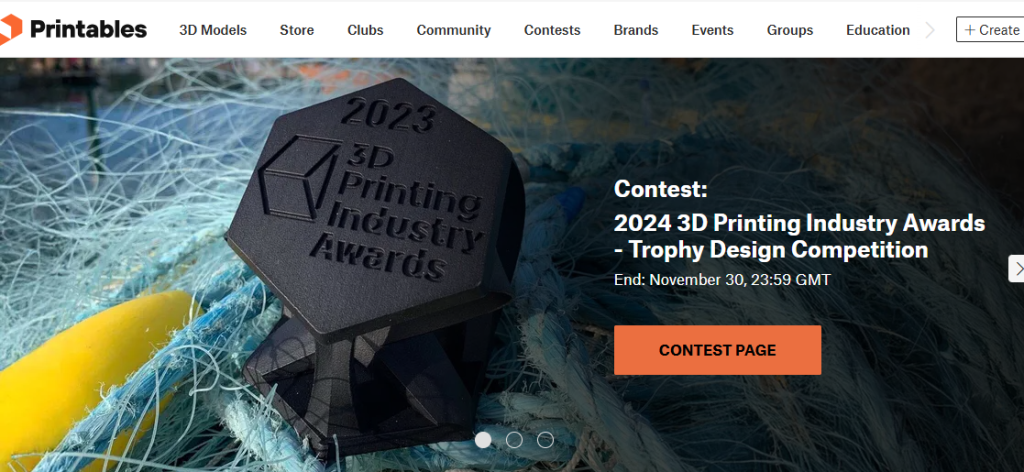
Backed by Prusa Research, Printables is a growing resource in the 3D printing world. Known for its high-quality, user-vetted STL files, Printables emphasizes the ease of finding reliable models. Many designs are curated, tested by users, and filtered by community votes, making it a top choice for hassle-free 3D printing.
Key Features:
- High-Quality Community Curation: Models on Printables often come with printability ratings and user comments, giving insight into model quality.
- Rewards System: Users can earn points for uploading files, providing feedback, and participating in contests, encouraging quality contributions.
- Focus on Usability: Printables provides detailed printer settings, making it easier for newcomers to get started with reliable prints.
Pro Tip:
Use Printables if you’re looking for well-tested designs. The active community ensures high standards, which is particularly beneficial for complex or high-detail prints.
3. MyMiniFactory
Website: MyMiniFactory
MyMiniFactory stands out for its focus on providing high-quality, curated models. Each file goes through a test print, ensuring it’s printable. Popular among cosplayers, miniature collectors, and designers, MyMiniFactory is a favorite for those needing reliable files in niche categories like character models, home decor, and more.
Key Features:
- Tested for Printability: All files are tested, so you can print with confidence.
- Designer Support & Premium Content: MyMiniFactory offers both free and premium models, allowing creators to monetize their designs while offering free options for hobbyists.
- Integration with Apps: Preview models in augmented reality (AR) to see them in your environment before downloading.
Pro Tip:
For a mix of free and premium models, MyMiniFactory’s AR feature allows you to visualize models in your space, making it a valuable tool for selecting decor items or custom fit parts.

4. Cults3D
Website: Cults3D
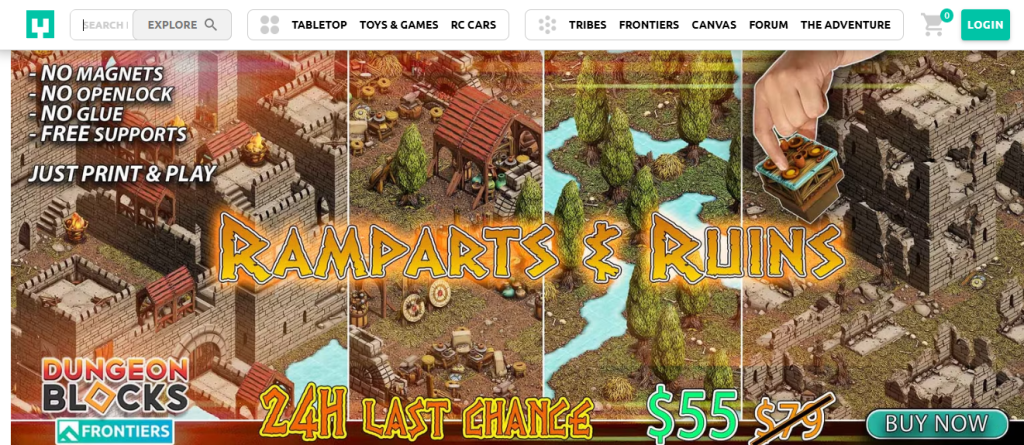
Cults3D is known for its high-quality, artistic, and unique models. This French platform combines both free and paid STL files, with an emphasis on visually impressive and design-focused projects. Cults3D also provides an open platform for designers to sell and share their creations, creating a balance of artistic and practical prints.
Key Features:
- Artistically Driven Content: Cults3D emphasizes unique, visually appealing designs, ideal for creative projects.
- User Interaction: Cults3D fosters interaction, allowing users to like, comment, and share designs.
- Versatile Licensing: Offers a variety of licenses, from personal use to commercial options.
Pro Tip:
If you’re looking for designer-inspired models or artistic decor items, Cults3D’s community of artists makes it easy to find high-quality, unique pieces. Check the licensing to ensure compatibility with your project goals.

5. Yeggi
Website: Yeggi
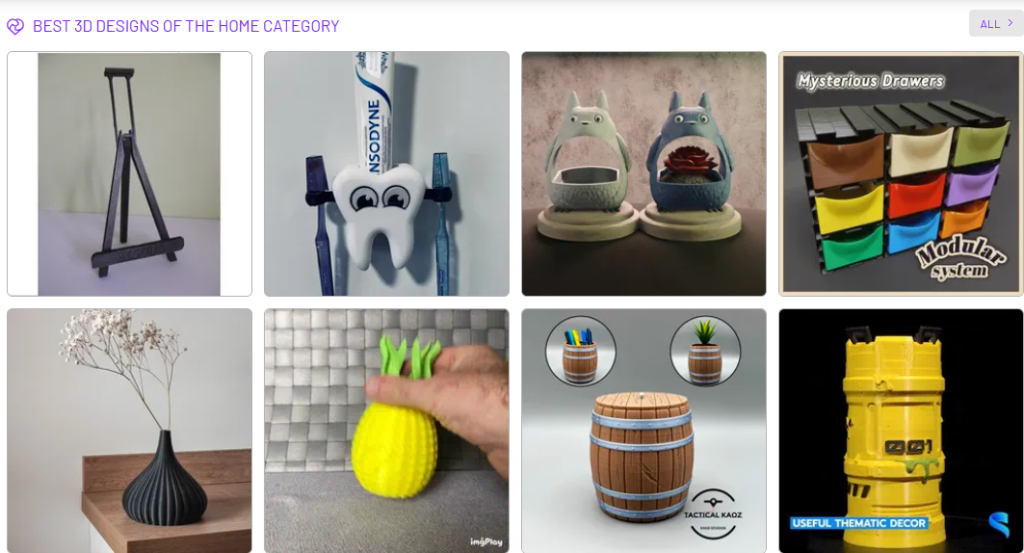
Yeggi operates as a search engine for STL files, aggregating results from multiple 3D model platforms. This is ideal for users who want to compare options across different sites without manually visiting each one. Yeggi helps locate both free and paid models, with search filters that allow users to narrow down by popularity, recent uploads, and file format.
Key Features:
- Aggregated Search Tool: Yeggi provides results from various 3D model sites, saving time.
- Advanced Filters: Users can search by free or paid models, popularity, and most recent uploads.
- Cross-Site Access: Yeggi connects users to the STL file source, linking to platforms like Thingiverse, MyMiniFactory, and more.
Pro Tip:
Use Yeggi as your first stop if you’re looking for something specific. Its filtering options allow you to quickly narrow down the best options across multiple platforms.

6. Thangs
Website: Thangs
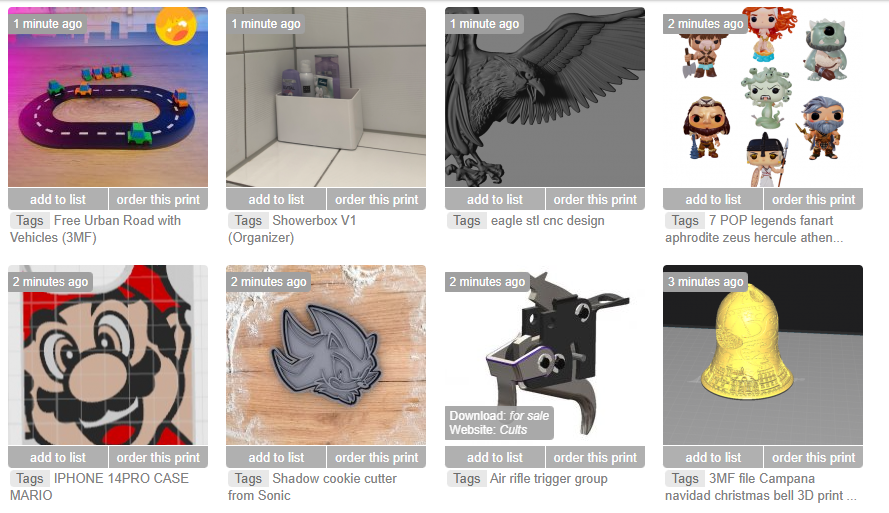
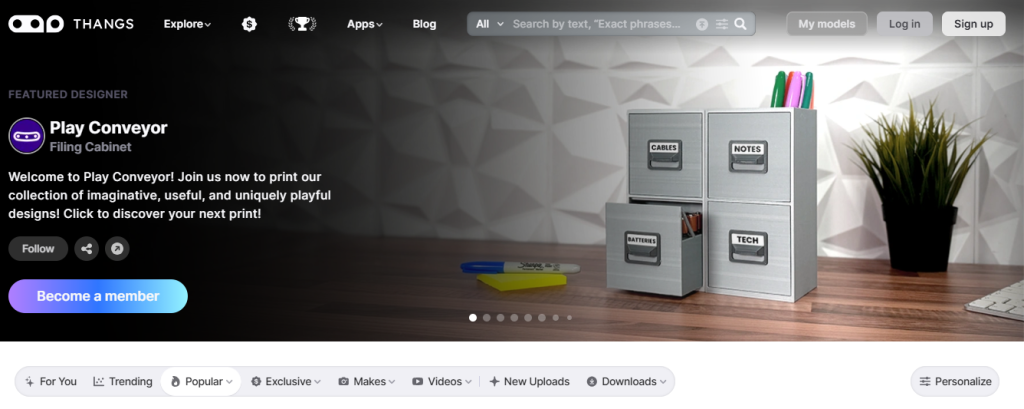
Thangs offers a unique twist on the STL model search by allowing users to upload their own models to find similar files. This makes it particularly helpful for users who want to locate variations or similar items based on an existing model. Thangs combines search functionality with 3D modeling and collaboration tools, providing an integrated experience for designers and printers alike.
Key Features:
- 3D Model Search by Similarity: Upload a model to discover related or alternative designs.
- Collaboration and Sharing Tools: Users can share designs and collaborate on projects, creating a community-driven approach.
- Print Compatibility Indicators: Design compatibility with specific printer types is often noted, reducing errors.
Pro Tip:
If you’re trying to expand or modify an existing design, Thangs can help you find related models to build upon. This is also helpful for finding multiple pieces for modular or customizable prints.

7. CGTrader
Website: CGTrader
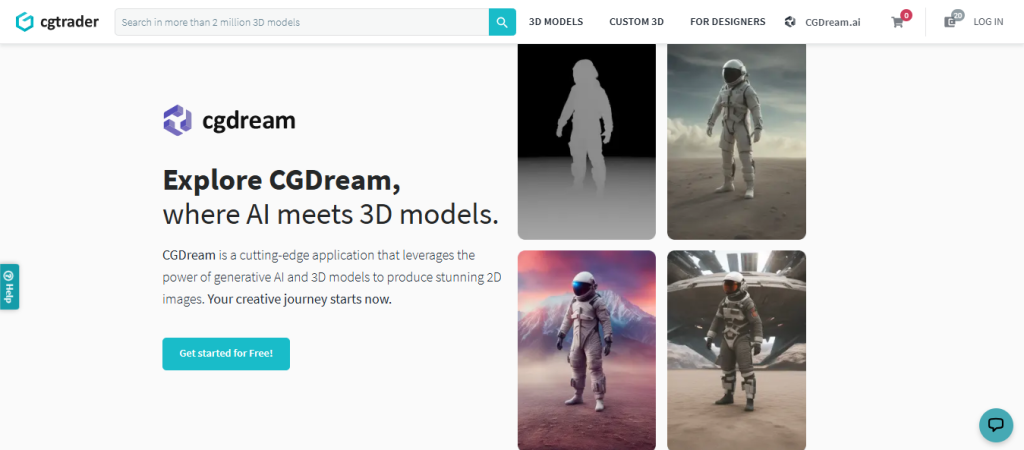
CGTrader is a popular choice among professionals, offering an extensive marketplace of 3D models suited for various applications, from product design and engineering to virtual reality. While many files are paid, CGTrader has a selection of free STL files suitable for printing, ideal for anyone seeking high-quality models with professional applications.
Key Features:
- High-Resolution Models: Designed for professional applications, often with detailed specifications.
- Professional Networking: Designers can monetize their work, creating a community of highly skilled modelers.
- Flexible Categories: Models are available for both digital rendering and physical printing.
Pro Tip:
For professionals, CGTrader offers a range of professional-grade models that can be adapted for prototyping or industrial use. Consider using models under flexible licenses if you’re looking to use STL files in commercial applications.

8. Pinshape
Website: Pinshape
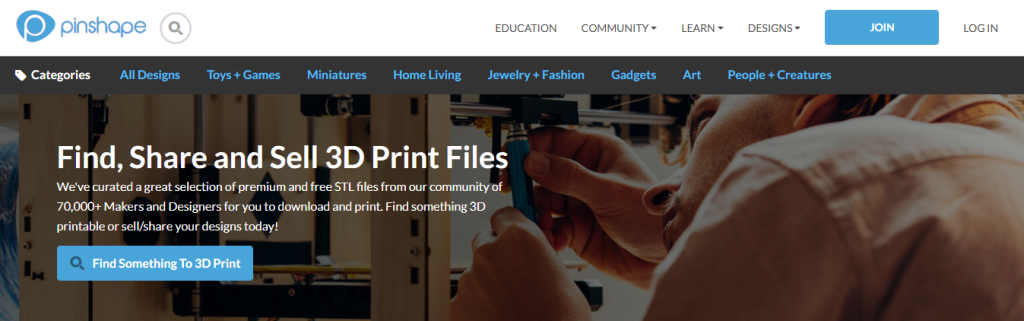
Acquired by Formlabs, Pinshape is known for its intuitive interface and community-focused environment. The platform offers both free and paid STL files, with categories organized for easy browsing. Pinshape also provides guides and tutorials, making it a useful site for beginners looking to explore 3D printing.
Key Features:
- Educational Resources: Offers tutorials and guides for various 3D printing projects.
- Curated Selection: Each model includes community feedback on printability and quality.
- Beginner-Friendly: Clear navigation, organized by model categories like jewelry, gadgets, and tools.
Pro Tip:
Pinshape’s learning resources are invaluable for newcomers. Beginners should browse through user feedback for valuable insights on each file’s print quality and recommended printer settings.
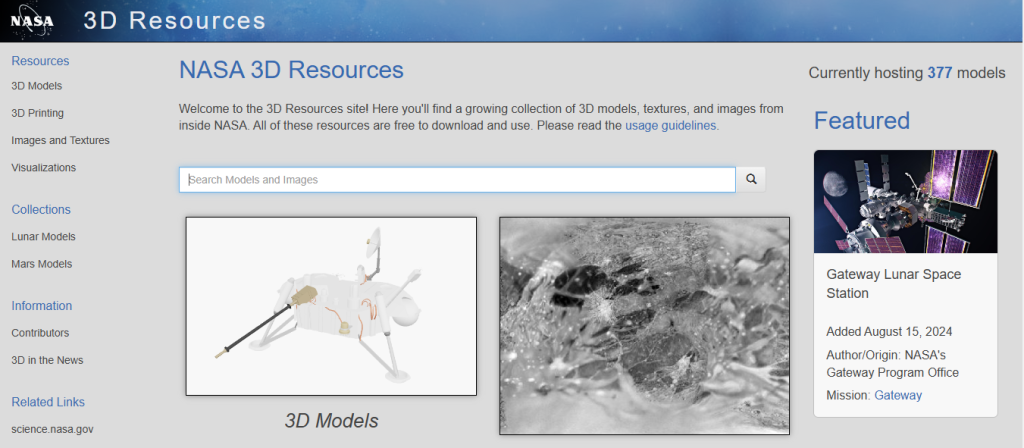
9. NASA 3D Resources
Website: NASA 3D Resources
NASA’s 3D Resources library is a treasure trove for educators, space enthusiasts, and science-oriented projects. Offering STL files of rockets, satellites, rovers, and other space-related models, this platform brings space exploration into the realm of 3D printing. Each model comes with a scientific description, making it a fantastic resource for educational projects.
Key Features:
- Science and Space Focused: Provides STL files for educational and scientific models related to space missions.
- Educational Utility: Descriptions and backstories accompany each model, ideal for classroom settings.
- Open-Access Licensing: Most files are free for non-commercial use, perfect for educators and students.
Pro Tip:
For educational projects or themed decor, NASA’s models are both informative and unique. These STL files provide a hands-on learning experience, especially for young science enthusiasts.

10. Library of Congress
Website: Library of Congress
The Library of Congress offers 3D models of culturally significant artifacts, sculptures, and other historical items. While its collection is niche, this platform provides authentic models based on artifacts preserved in the library’s archives. It’s an excellent choice for historians, educators, and anyone interested in replicating historical artifacts with 3D printing. The Library of Congress offers an invaluable resource for bringing history to life, making it ideal for educational, museum, and cultural heritage projects.
Key Features:
- Historical Artifacts and Models: Provides STL files for historically significant items, from sculptures to tools used in different eras.
- Authenticity: Files are derived directly from the Library’s collections, ensuring accurate representations of historical objects.
- Educational Value: Perfect for history educators and museum displays, adding a tangible element to the learning experience.
Pro Tip:

For educators and museums, the Library of Congress STL files offer a chance to create hands-on learning materials. Consider using these models in history classes or exhibits to create an immersive, interactive experience.

Tips for Using STL Files from Free Platforms
Finding free STL files is only the first step to successful 3D printing. Here are a few additional tips to ensure you get the best quality prints:
1. Check Printability Ratings and Comments
- On community-driven sites like Thingiverse and MyMiniFactory, always read the comments and check ratings to see if others had issues with the file. This can save time and filament by ensuring the model is tested and works well with a variety of printers.
2. Optimize Models with Slicing Software
- Use slicing software like Cura, PrusaSlicer, or Simplify3D to tailor each STL file for your specific 3D printer. Adjust layer height, infill, and support structures based on the complexity of the model.
3. Edit STL Files if Needed
- Not all STL files are optimized for every 3D printer. Use free software like TinkerCAD or Meshmixer to edit files if necessary, especially if you want to adjust model dimensions or remove unnecessary components.
4. Verify Licensing for Commercial Use
- If you intend to use STL files for commercial projects, be sure to check each file’s licensing terms. Some models are only free for personal use, and you may need a paid license to use them in commercial applications.
5. Explore Community Resources and Tutorials
- Sites like Pinshape and Printables provide guides, tutorials, and user feedback, making them great platforms for learning. Beginners can benefit from the resources provided, especially if you’re trying to understand printer settings or troubleshoot common issues.
FAQs on Free STL Files for 3D Printing
An STL (stereolithography) file is a standard format for 3D models that contains geometry information necessary for 3D printing. STL files consist of triangles that create the surface of a 3D object, making them compatible with most 3D printers.
Many free STL files are reliable, especially if they come from community-reviewed sites like Thingiverse or MyMiniFactory, where users often share feedback on model quality. However, the print quality also depends on your printer, filament, and settings.
Yes, most STL files can be edited using 3D modeling software. Programs like Blender, TinkerCAD, and MeshLab allow users to adjust model dimensions, add or remove details, and make other modifications. Always check the file’s licensing to confirm if modifications are permitted.
It depends on the licensing of the STL file. Some files are free for personal use only, while others allow commercial use. Always review the specific license for each STL file, especially if you plan to sell the printed items.
Yes, STL files require 3D modeling or slicing software. To view and edit STL files, you can use software like Blender or TinkerCAD. For printing, a slicer software like Cura, PrusaSlicer, or Simplify3D is essential to prepare the model for your 3D printer.

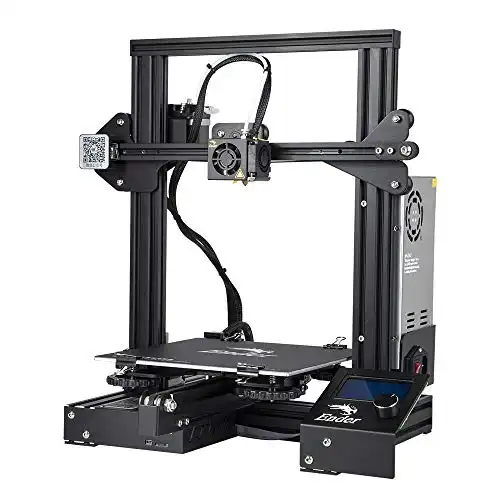
- Resume Printing Function
- Easy and Qucik Assembly
- Advanced Extruder Technology
- Safety Protected Power Supply
Finding the Right STL Files for Every 3D Printing Need
With this comprehensive list of resources, you’re well-equipped to find STL files that fit your 3D printing projects perfectly. From hobbyist-friendly sites like Thingiverse to specialized resources like NASA’s 3D archives, each platform offers unique benefits tailored to different interests and skill levels.
Remember to always check licensing terms, especially if you’re using models commercially, and don’t hesitate to make modifications to optimize print quality. With the right STL file, you can bring nearly any idea to life through 3D printing. Happy printing!


