As the world of podcasting continues to expand, it’s more important than ever to choose the right platform for creating, hosting, and managing your podcast. One popular option is Podbean, a feature-packed platform that has garnered a significant user base. In this article, we will explore everything there is to know about Podbean, including its capabilities as a podcast site, app, provider, and much more.
What is Podbean?
Podbean is a feature-rich podcasting platform designed to cater to the needs of podcast creators and listeners alike. Boasting a wide array of functionalities, Podbean offers a user-friendly podcast app, robust podcast hosting solutions, and various tools for podcast management and monetization. This comprehensive guide will delve into the many aspects of Podbean, covering everything from its capabilities as a podcast app to its podcast hosting options and services, website creation options, and much more.
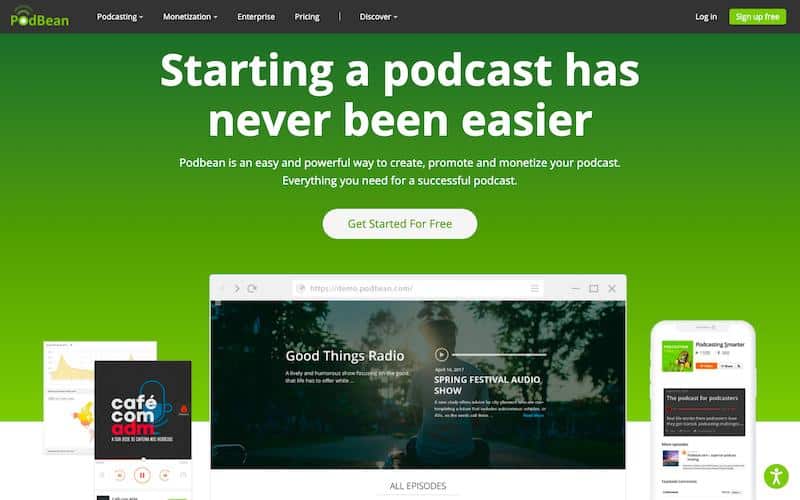
Getting Started with Podbean: Step-by-Step Guide
Starting your podcasting journey with Podbean is a straightforward process. This step-by-step guide will help you set up your account, create your first episode, and launch your.
A. Setting up your Podbean account
Visit the Podbean website (https://www.podbean.com) and click on the “Get Started” button.
Choose a pricing plan that best suits your needs. You can start with the Free Plan if you’re a beginner or select a paid plan for more advanced features.
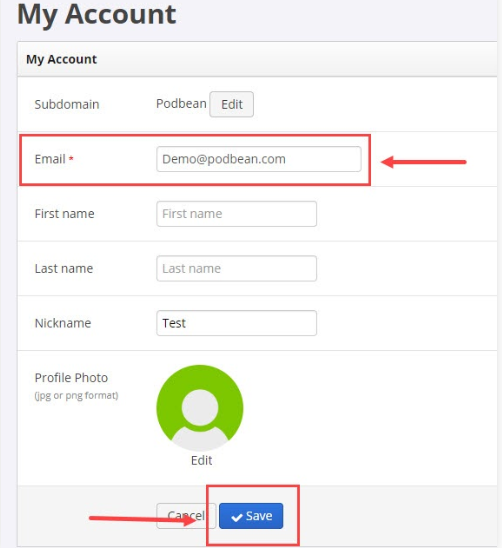
Create an account by providing your email address and creating a password, or sign up using your Google or Facebook account.
Fill out your podcast’s basic information, such as the name, description, and category.
Customize your podcast’s appearance by choosing a theme and uploading a cover image.
Set up your custom domain (if applicable) to give your podcast a professional look.
B. Creating your first podcast episode
Log in to your Podbean account and navigate to your dashboard.
Click on the “Episodes” tab, and then select “Create New Episode.”
Upload your audio file by clicking on the “Upload” button or drag-and-drop your file into the designated area.
Fill out the episode’s title, description, and any relevant tags.
Choose the episode’s category and add it to any applicable playlists.
Set the episode’s publication date and time, or publish it immediately by clicking on the “Publish” button.
C. Launching your podcast website
From your Podbean dashboard, click on the “Sites” tab to access your podcast website settings.
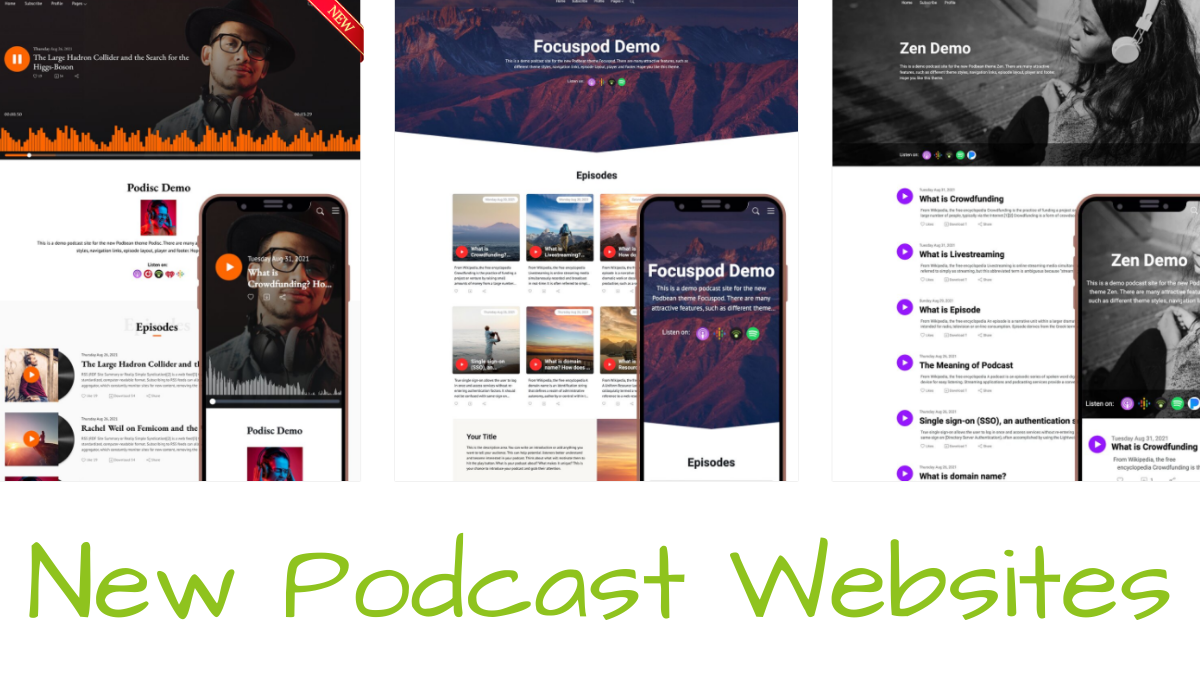
Customize your website’s appearance by choosing a theme, colors, fonts, and other design elements.
Add pages or sections to your website, such as an “About” page, contact information, or social media links.
Review your website settings, such as your custom domain (if applicable), and adjust them as needed.
When you’re satisfied with your website’s appearance and content, click on the “Publish” button to make your podcast website live.
With these steps completed, you’re now ready to share your podcast with the world and start growing your audience!
Podbean as a Podcast App
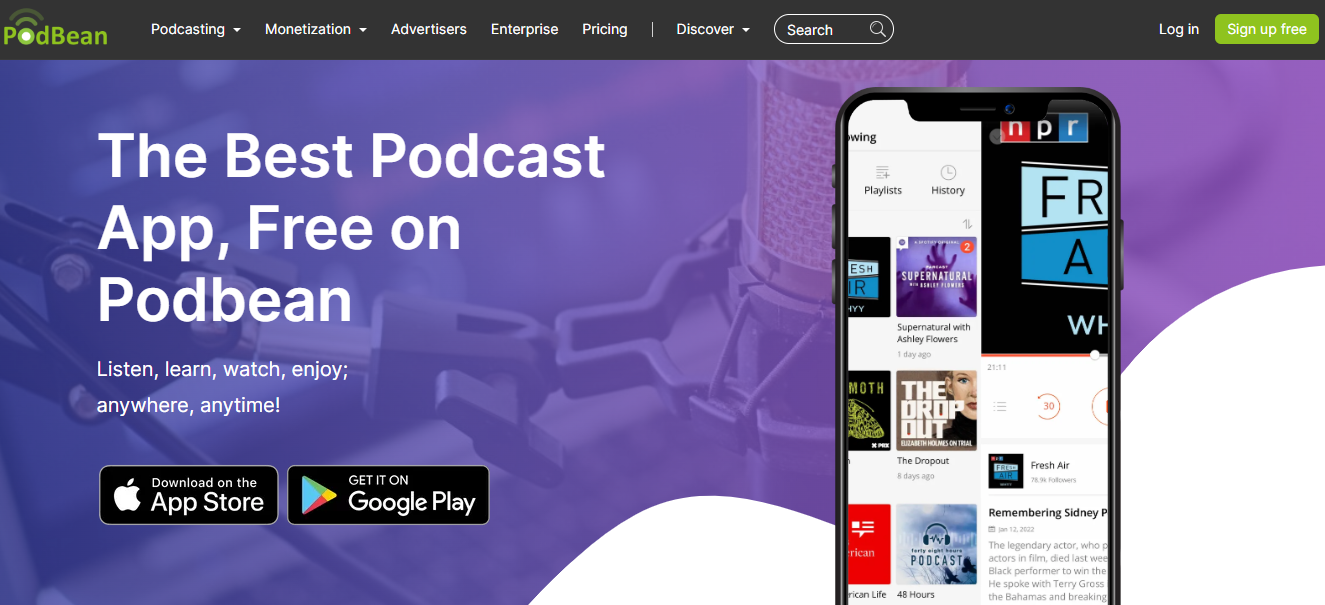
Podbean offers a seamless and enjoyable podcast listening experience through its user-friendly app. From navigating the interface to downloading episodes for offline listening, the Podbean podcast app has you covered. Let’s explore some of the key features that make the Podbean app a popular choice for podcast enthusiasts.
Tips on creating engaging content while using the Podbean podcast app:
Choose a unique and relevant topic: Select a subject that resonates with your target audience and fills a gap in existing podcast content. Ensure that your podcast offers value, entertainment, or information that keeps listeners coming back for more.
Plan your episodes: Outline your episodes ahead of time to create a clear structure and flow. Include engaging hooks, storytelling elements, and thought-provoking questions to capture and maintain listener interest throughout the episode.
High-quality audio: Invest in good-quality microphones and recording equipment to ensure your podcast has clear and professional sound quality. Use the Podbean app’s built-in audio recorder with sound effects and background music options to enhance your next podcast episode’s production value.
Be conversational and authentic: Speak in a natural, conversational tone to create a personal connection with your listeners. Share your own experiences and opinions, and invite guests who can provide diverse perspectives and expertise.
Maintain a consistent release schedule: Establish a regular release schedule for new episodes npr podcasts, whether it’s weekly, bi-weekly, or monthly. Consistency helps build listener loyalty and keeps your audience engaged.
Interact with your audience: Engage with your listeners through comments, social media, and email. Respond to their questions and feedback, and incorporate their suggestions into future episodes. This interaction helps build a strong community around your podcast.
Feature of podbean podcast app
The Podbean app is designed with ease of use in mind, ensuring that listeners can effortlessly browse and discover content. The interface is clean and straightforward, making it simple to search for specific podcasts, explore curated recommendations, and navigate through various categories. Users can also access their subscriptions, playlists, and downloads with just a few taps.
Customizable playlists and play history
Podbean understands that every listener has their preferences, which is why the app allows you to create and customize your own playlists. You can add episodes from different podcasts to a single playlist, or even organize them by themes, moods, or any other criteria you choose. Additionally, the app keeps track of your play history, so you can quickly revisit episodes you’ve enjoyed or pick up where you left off.
Downloading and playing podcasts offline
One of the standout features of the Podbean app is its ability to download podcast episodes for offline listening. This is perfect for those moments when you’re traveling or have limited internet access. Simply download your favorite episodes, and they’ll be available to listen to anytime, anywhere, without the need for an internet connection.
Next and sleep timer features
The Podbean app includes handy features such as the “Next” function, which allows you to queue up episodes and create your own listening order. You can also use the sleep timer to automatically pause playback after a specified amount of time, ensuring that you don’t miss anything if you fall asleep while listening to your favorite podcast.
Podcast Hosting on Podbean
Podbean is more than just a podcast app—it’s a podcast recording app and also an excellent platform for hosting your podcast. Key features of audio livestream app and Podbean’s hosting services include:
Unlimited hosting and bandwidth options
Regardless of the size of your podcast, Podbean has you covered with unlimited hosting and unlimited bandwidth, plans. This means you don’t have to worry about running out of space or facing additional costs as your podcast grows.

IAB certified podcast analytics
Gain valuable insights into your podcast’s performance with Podbean’s analytics, certified by the Interactive Advertising Bureau (IAB). These analytics provide essential data, such as listener demographics, episode downloads, and trends, to help you better understand your audience and optimize your content strategy.
Integration with Apple Podcasts and other platforms
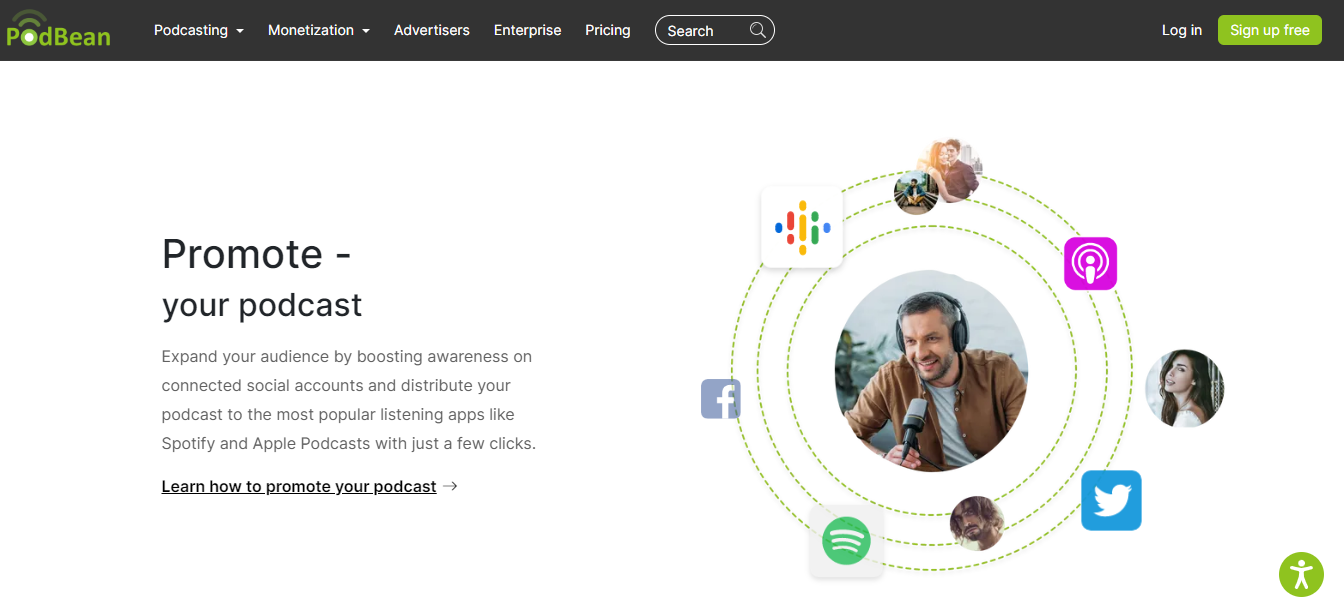
Podbean makes it easy to distribute your podcast to popular platforms like Apple Podcasts, Spotify, and Google Podcasts. With just a few clicks, you can submit your podcast to these platforms and expand your reach to a broader audience.
Podcast advertising through the Ads Marketplace
Monetize your podcast by connecting with advertisers and integrating sponsored content. Podbean’s Ads Marketplace provides a simple way to find and collaborate with potential sponsors, helping you generate revenue from your podcast.
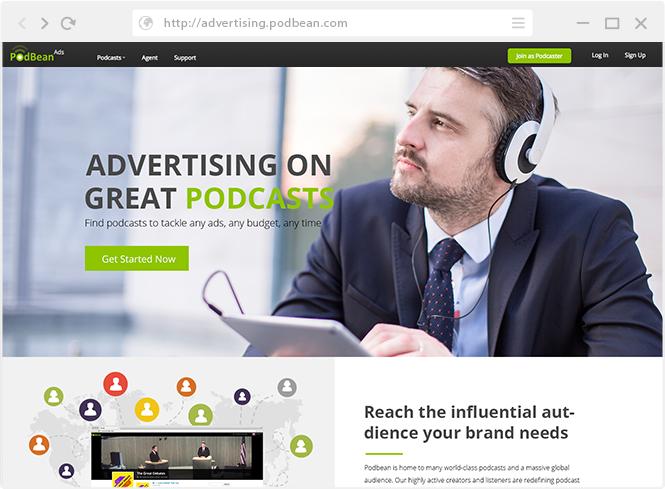
Popular Podcasts Hosted on Podbean
Some popular podcasts hosted on Podbean include the followed podcasts:
The Ed Mylett Show
Entrepreneurs on Fire
Scam Goddess
Sword and Scale
The Tony Robbins Podcast
Creating and Managing Your Podcast Website
A strong online presence is crucial for any podcast, and Podbean simplifies the process with a range of website features:
Podbean website templates and customization
Choose from various templates and customize your free podcast website, to match your brand. Podbean’s user-friendly design tools make it easy to create a visually appealing and professional website that showcases your content.
Embedding podcast episodes on your site
Embed playable episodes directly on your website, making it easy for visitors to listen and engage with your content. With Podbean’s customizable player, you can ensure that the embedded player matches your site’s design.
SEO and analytics features for your podcast website
Optimize your site for search engines and track visitor data to continually improve your online presence. Podbean offers built-in SEO tools and integrates with Google Analytics, allowing you to monitor your site’s performance and make data-driven decisions.
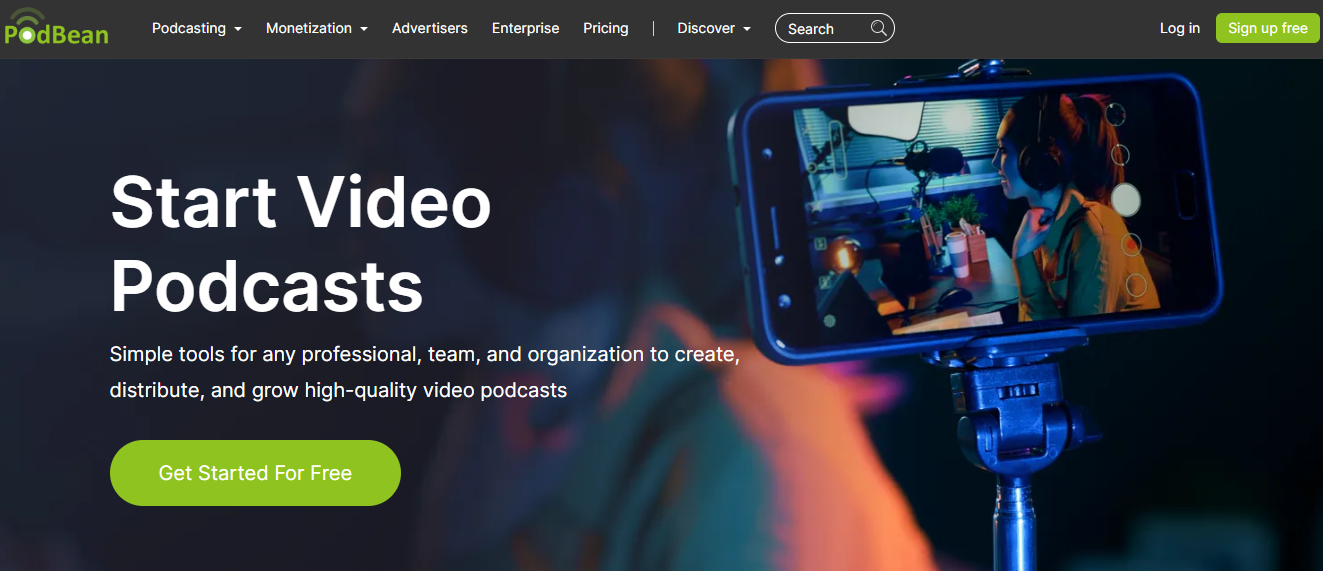
Video Podcasting on Podbean
Podbean isn’t limited to audio content—video podcasting is also supported, providing creators with an additional avenue for sharing their stories and insights.
Uploading and hosting video podcasts
With Podbean, you can easily upload and host your video podcast episodes alongside your audio content. This flexibility allows you to cater to different audience preferences and expand your content offerings.
Integration with video livestream apps
Podbean seamlessly integrates with popular audio and video call apps, enabling dynamic and interactive content for your listeners. This feature allows you to connect with your audience in real-time and foster stronger relationships with them.
Podbean’s Monetization Solutions
Podbean offers a variety of monetization solutions to help creators generate revenue from their podcasts.
Patron program and fan club support
Establish a patron program or fan club through Podbean, allowing your most dedicated listeners to financially support your podcast. In return, you can offer exclusive content, behind-the-scenes access, or other perks.
Podcast advertising and sponsored content
Monetize your podcast by partnering with advertisers and incorporating sponsored content into your episodes. Podbean’s Ads Marketplace makes it easy to connect with potential sponsors and seamlessly integrate ads into your podcast.
Generate additional revenue by offering premium content or private podcasts to paying subscribers. Podbean simplifies this process, providing tools for managing access and subscriptions.
Podbean Pricing and Plans
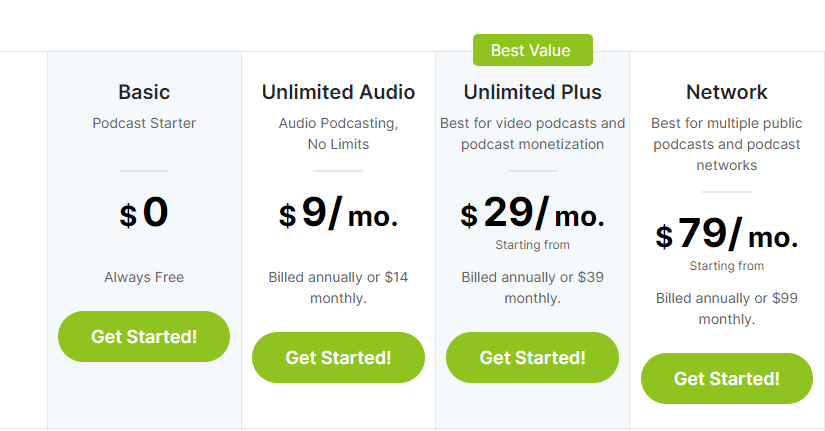
Its pricing is broken down into four different plans: Basic, Unlimited Audio, Unlimited Plus, and Business.
Podbean Basic Subscription – Free
5 hours of storage space
100GB of bandwidth/month
Access to mobile app and podcast player
Embeddable media player
Your own podcast site
Distribution to all major platforms
IAB certified stats – basic
No monetization options
Unlimited Audio plan – $9/month
All the Basic plan’s features plus:
Unlimited storage space
Unmetered bandwidth
Custom design
Map your own domain
Multiple podcast channels
Ads marketplace
Premium sales
PodAds – SaaS for podcast advertising
Unlimited Plus – $29/month
Same as Unlimited Audio plan with:
Video podcasts
Access to Patron Program
Business – $79 / month
Same as Unlimited Plus with:
Multiple admins
Private podcast with SSO authentication
Engagement intel
Groups
Remove Podbean branding
Live chat support
Podbean Pro App
Troubleshooting and Support on Podbean
Podbean offers extensive support resources for users, including a comprehensive help center with articles and video tutorials, addressing common issues and questions. Users can also contact Podbean’s support team through email or submit a support ticket for personalized assistance.
Comparisons: Podbean vs. Competitors
When comparing Podbean to its competitors, it’s essential to consider the features, pricing, ease of use, and overall value each platform offers. Here, we’ll compare Podbean’s features to three popular competitors: Libsyn, Anchor, and Buzzsprout.
Podbean:
User-friendly interface
Free and paid plans available
Unlimited hosting and bandwidth (on paid plans)
Monetization options through patron program and ads marketplace
Live streaming capabilities
Comprehensive analytics
Mobile app for podcast management and listening
Libsyn:
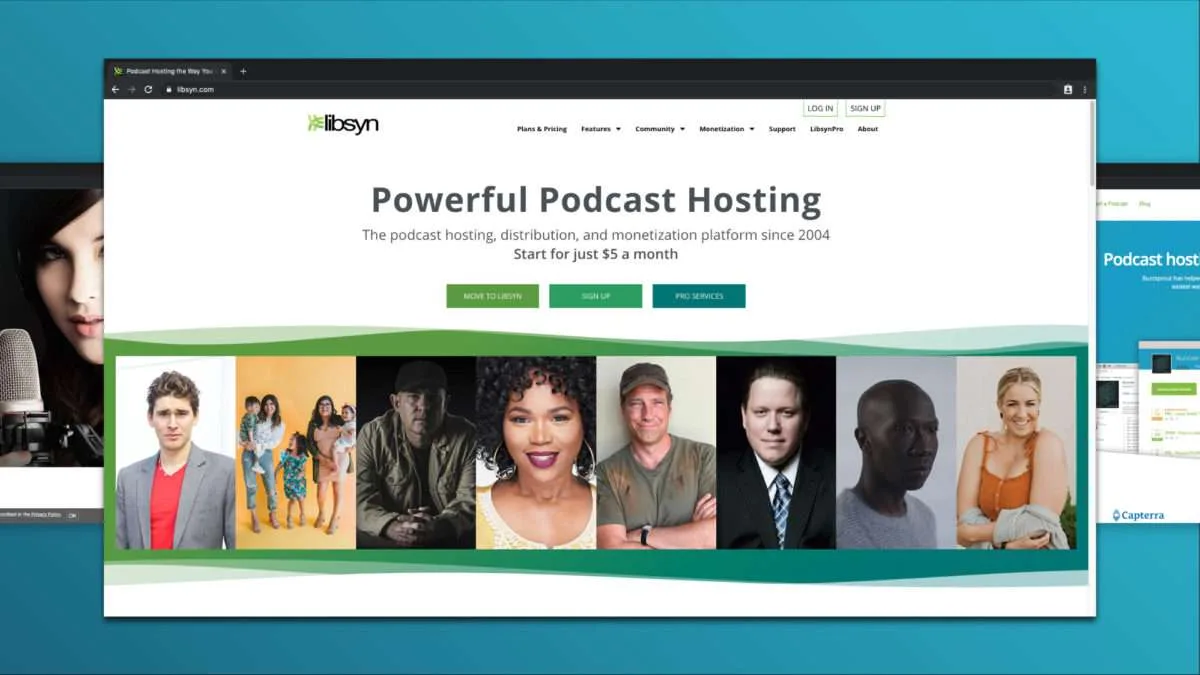
Advanced analytics and IAB certified stats
Wide range of distribution options (including Spotify, Apple Podcasts, and more)
Customizable podcast player
Pricing based on storage, starting from $5/month
No free plan available
Mobile app for podcast management (Libsyn Publisher Hub) and listening (Libsyn Podcast Source)
Anchor:
Free platform with unlimited hosting
Automatic distribution to major podcast directories (including Spotify, Apple Podcasts, and Google Podcasts)
Built-in monetization options through Anchor Sponsorships
User-friendly interface
Limited analytics compared to other platforms
Mobile app for podcast creation, management, and listening
Buzzsprout:
Easy-to-use interface
Strong focus on podcast promotion and SEO
Advanced analytics with IAB certified stats
Pricing based on storage, starting from $12/month
Free plan available (limited to 2 hours of new content per month)
No mobile app for podcast management, but works with various podcast listening apps
Each top podcast hosting service and platform offers unique features and benefits. Podbean stands out for its user-friendly interface, monetization options, and live streaming capabilities.
Libsyn is well-known for its advanced analytics and wide distribution network, while Anchor is an attractive option for beginners due to its free and unlimited hosting. Buzzsprout focuses on podcast promotion and SEO, making it a suitable choice for podcasters looking to grow their audience. Ultimately, the best podcast hosting platform will depend on your specific needs and preferences as a podcaster.
Frequently Asked Questions
A: Yes, Podbean offers a free plan with basic features. However, for more advanced features and unlimited hosting, you’ll need to upgrade to one of their paid plans.
A: Yes, Podbean offers a straightforward migration process that allows you to transfer your existing podcast from another podcast hosting platform with minimal disruption.
A: Yes, Podbean supports video podcasting, allowing you to host and manage your video podcast episodes alongside your audio content.
A: To get your RSS feed from Podbean, log in to your Podbean account, go to your podbean dashboard, and find the “RSS Feed” link under the “Settings” tab.
A: No, Podbean is not part of Spotify. However, Podbean can distribute your podcast directly to Spotify, making it accessible to Spotify listeners.
A: Podbean is considered a good platform due to its user-friendly interface, monetization options, and live streaming capabilities. The choice depends on your specific needs and preferences as a podcaster.
Podbean stands out for its comprehensive feature set, user-friendly interface, and competitive pricing. While it may not be the perfect fit for every podcaster, its extensive capabilities make it an attractive option for many.
A: No, it’s free to listen to podcasts on Podbean. However, some creators of podcast apps may offer premium content that requires payment.
A: Yes, the Podbean app is free to download and easy to use interface, for both podcast creators and listeners.
A: Yes, it’s free to listen to podcasts on Podbean. Some creators may offer premium content that requires payment.
A: The Podbean app is used for podcast management, creation, and listening. Podcasters can use it to upload and manage their episodes, while listeners can use it to discover and listen to the best podcasts around.
A: Podbean offers a free plan with basic features that can be used indefinitely. However, paid plans with more advanced features are also available.
A: Yes, Podbean supports video podcasts, allowing creators to upload and share video content alongside their own audio files and podcasts.
A: Yes, a podcast can be an audio live streaming or in video format, known as a video podcast or vodcast. These can be hosted on platforms like Podbean that support video content.
A: Podbean doesn’t have a built-in video recording feature. However, you can record video using other social sharing tools and upload the video file to Podbean for hosting.
A: To upload a video to Podbean, log in to your Podbean account, go to your dashboard, click “Publish” and then “New Episode.” Choose the video file you want to upload and complete all the tools necessary information before clicking “Publish.”
A: Yes, Podbean is a hosting site and podcast name that allows creators to upload, manage, and distribute their podcasts.
A: Podbean is considered a good host due to its user-friendly interface, monetization options, and live streaming capabilities.
A: To host a podcast on Podbean, sign up for an account, create a new podcast, and upload your episodes using the podcast publishing platform’s tools. Podbean will then provide an RSS feed for you to distribute your podcast to various directories.
A: Both Podbean and Anchor have their unique features and benefits. Podbean offers live streaming capabilities and monetization options, while Anchor is a more free podcast show platform with unlimited hosting. The better choice depends on your specific needs and preferences as a podcaster.
A: Yes, the Podbean app is free to download and use for both podcast creators and listeners.
Podbean is a comprehensive platform for podcasting, offering a wide range of features. With simple setup and ready-to-go monetization solutions, you can easily get started creating your own digital radio show in no time! Podcasting on Podbean gives you full control over the design of your podcast website, hosting services and ways to monetize your content.
Plus, with the Podbean app being fast and feature-rich at an affordable price point for every budget, you’ll have everything you need to start building an engaging podcast audience that lasts! Whether you’re looking for more storage space or want advanced tools like easy embedding into other websites such as Facebook add playlist and YouTube – there’s something for everyone on the full Podbean podcast platform. Start taking advantage of Podbean today to grow your very own successful podcast empire!
Additionally, explore the best free YouTube to MP3 converters to extract audio from videos conveniently. Learn more in our guide on YouTube to MP3 Converters. Enhance your virtual experience beyond video conferencing with engaging podcasts and convenient audio extraction.